
Start With Your Workflow, Not the Feature List
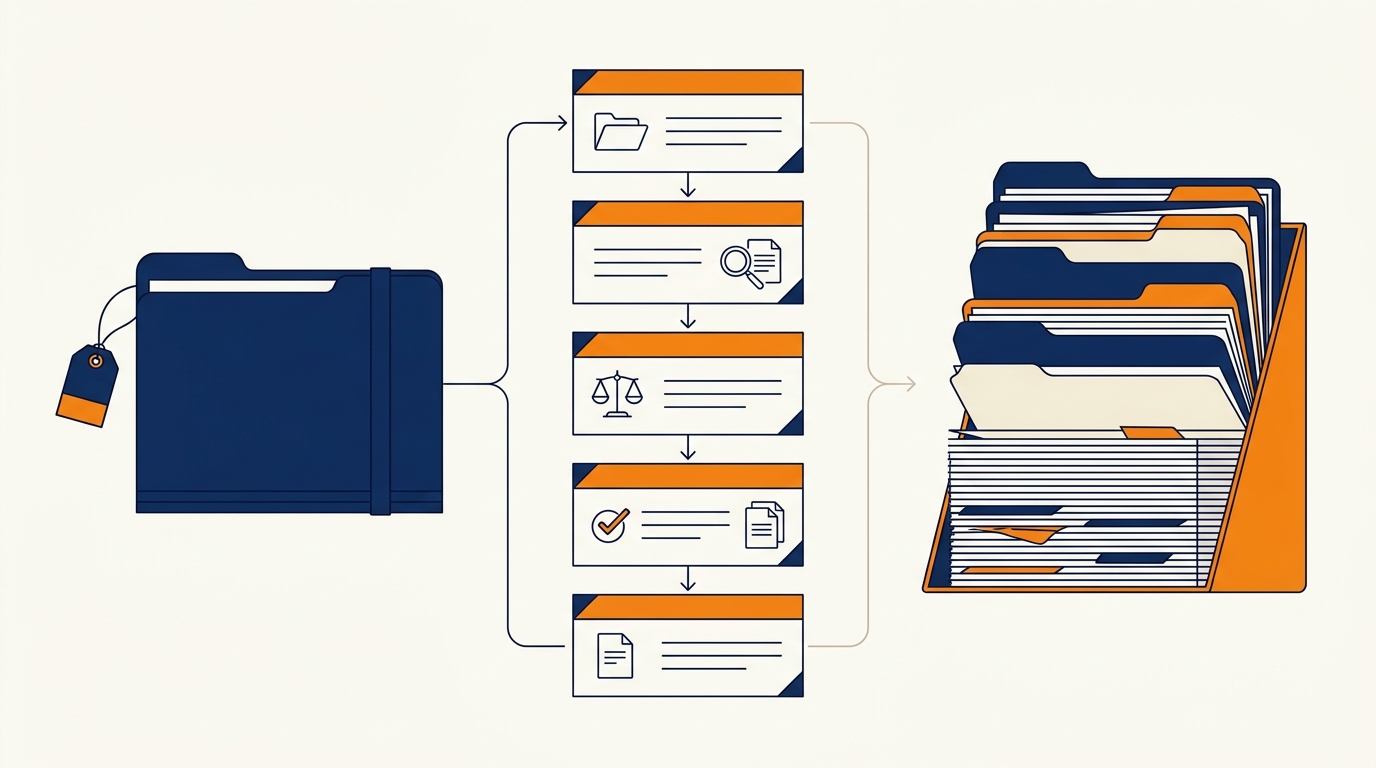
The best case management software for your firm is the one that matches how you actually run cases and bill clients, not the one with the longest feature list. Most firms that end up switching again within a couple of years picked their platform from a demo rather than from their own workflow.
This guide covers what case management software actually does, how the main platforms differ, what to compare in order, and a short exercise you can run this month before you sign anything. It is meant for firm owners with a handful of attorneys, not for a 200-lawyer shop with a full operations department.
What Case Management Software Actually Does
Case management software is the system of record for a matter. It holds the case file, the documents, the deadlines, the time entries, the invoice and the client communication in one place instead of scattered across a shared drive and someone's inbox.
That sounds like an administrative concern until you look at where it touches growth. The intake tool that captures a new inquiry usually hands the record to the case system. The review request you send after a matter closes usually fires from the case system. The referral that came from a past client usually lives there too. If the case system is a mess, your marketing data is a mess, which is why intake and follow-up timing and your case platform are the same conversation.
A useful way to sort the market is by scope. Some platforms do everything: cases, documents, deadlines, time tracking, billing and trust accounting in one product. Others are narrower and connect to separate tools for accounting, documents or client communication. Neither approach is better in the abstract. It only matters against how your firm works today.
The Platforms You Will See in a Search
Legal Soft's 2026 roundup of case management software options positions the major names by the firm they fit: Clio as an all-in-one platform with a large integration library, MyCase for solo and small firms that want built-in texting and a client portal, PracticePanther for growing firms that want code-free automation, Filevine for litigation-heavy practices, Smokeball for document-heavy work, CasePeer for personal injury, and CosmoLex for firms that want trust accounting inside the platform.
My Legal Academy's 2026 comparison makes a related point in different words: the market leader tends to suit firms that want to build their own stack of connected tools, while the simpler platforms suit firms that want one product to handle the whole matter.
Those two write-ups agree on the decision that matters. Firms with staff who can manage integrations tend to do well with the broad platforms. Firms without that staff tend to do better with fewer moving parts, even if the narrower product does less.
Two things to watch as you compare. First, a platform's price page rarely shows the full shape of the bill. Don't take anyone's number for it, including the comparison tables you find in search results, because published figures change and the tier that includes what you need is often not the entry tier. Get a written quote for your seat count and the features on your short list. Second, many of these platforms are large businesses with heavy marketing, so the loudest product in a search result is not automatically the best fit for a five-person firm. The comparison articles above were written by vendors or consultants with their own preferences, including this one. Treat all of them as positions to check rather than facts to accept.
What to Compare, in Order
Compare in the order that costs you the most when it is wrong.
- Deadline and calendar reliability. If a deadline tool is unreliable, nothing else on the platform matters. Watch how court rules and calendaring are handled for your practice area and your jurisdiction.
- Document handling. Look at how many clicks it takes to generate a routine document from a template in your practice area, and whether the finished document lands in the matter file automatically.
- Billing and trust accounting. If your state requires trust accounting inside or tied to your practice system, confirm that before the demo, not after.
- Intake handoff. Ask how a new inquiry becomes a matter record, and whether the lead source survives the trip. This is the link back to your marketing numbers.
- Client communication and portal. Decide whether you want texting, a portal, or both, since these are often tier-gated.
- Data export. You will not run your whole career on one platform. Confirm you can get your data out in a usable format.
- Cost shape. Per-seat pricing, add-ons for intake or drafting tools, and implementation fees all count. Get the number in writing.
Two of these deserve more weight than they usually get. Deadline reliability is the one that can end a career, and data export is the one that decides how much switching costs you later. Migration timelines in this market run anywhere from a few business days for a narrow, clean move to several weeks or longer when integrations and practice-group workflows are involved, which is a good reason to get export rights settled before you sign rather than after.

Where Case Management Ends and Marketing Begins
No case management platform will feed you cases. It records what your marketing produces, which is exactly why it matters to marketing decisions. If two lead sources produce similar volume and one produces signed matters, the case system is where that shows up, because the lead source has to be attached to the matter record from the day the inquiry arrives.
That is also why a broken handoff hurts more than it looks. When a web form, a phone call and a chat conversation each land in a different place, nobody can say which one produced the client. Setting up lead capture that routes into one pipeline is usually cheaper than fixing the reporting after the fact, and it keeps your case platform trustworthy as a marketing record.

How to Run the Selection Exercise
Do this before you take a single demo.
- Write down the ten tasks your firm does every week, in the order they happen.
- Mark the three that cause the most rework, the most missed follow-up, or the most late nights.
- Ask each vendor to show those three tasks in your practice area and your jurisdiction, using your own sample document.
- Ask where your data goes on the way out, and how long the transition takes for a firm of your size.
- Ask for the total first-year figure in writing, covering seats, add-ons and implementation.
- Run the finalist alongside your current system for two weeks on live matters before you commit.
Running two systems for two weeks is inconvenient. It is also the only test that tells you whether your staff will actually use the new platform on a bad week, which is the week that decides whether the software was worth it.
Common Questions
Do I need case management software as a solo attorney?
Not always. If your caseload is small and stable, a document folder structure plus a good calendar can carry you. The case for a platform gets strong once you are tracking more than a handful of active matters, coordinating anyone else, or billing by the hour.
Should I pick the software with the most integrations?
Only if you will use them. A large integration library helps firms with dedicated operations staff who connect several tools. For a firm that wants one system to handle the matter, a smaller and simpler product is often the better fit.
How long does it take to move to a new system?
It depends on your data and workflows. Industry providers describe anything from a few business days for a narrow, clean migration to several weeks or longer for firms with complex integrations and multiple practice groups. Plan for a period of running both systems rather than a single switchover date.
Will case management software help me get more clients?
Not directly. It helps you keep the clients you already won, respond to them consistently, and see which lead sources become signed matters. New inquiries come from visibility and reputation, which is a separate set of work.
What should I check on pricing?
Ask for the total first-year figure in writing, including seats, any add-on for intake, drafting or portal features, and implementation. Entry-tier prices in comparison articles rarely cover the features a working firm needs.
What about my current spreadsheets and document folders?
They inform the decision. Before you shop, export your matter list and count how many active files you have, because that number drives both the migration work and the plan you will be quoted for.
The Takeaway
Match the tool to your workflow. Write down how matters move through your firm, compare platforms against those steps, and keep two things in focus that demos tend to skip: whether the deadline tools are trustworthy and whether you can leave with your data.
Everything after that is preference. Firms that choose this way end up with a system their staff uses, and they stop paying twice for the same decision.
A short version you can keep
- Deadlines first. If calendaring is unreliable, the platform is out.
- Confirm trust accounting requirements before the demo, not after.
- Check the intake handoff and whether the lead source survives it.
- Get the data export and the first-year total in writing.
- Run the finalist live alongside your current system for two weeks.