
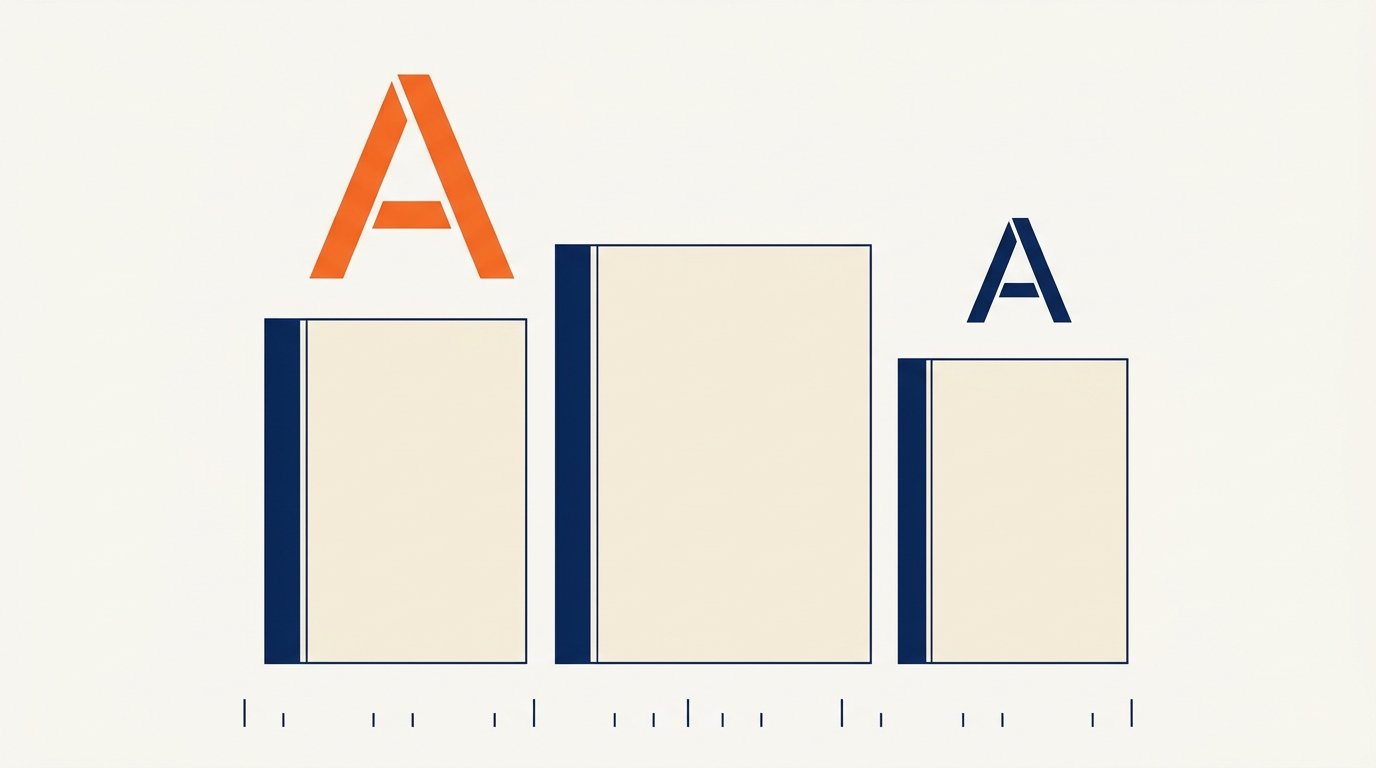
The best font for a law firm website is a plain, sturdy one that a worried person can read on a phone in three seconds, and you need exactly two of them: one for headings and one for body text. Everything else that gets argued about in legal website typography, from serif versus sans to whether a script font feels distinguished, matters far less than size, weight and contrast. If you have been putting off a website refresh because you cannot decide on a typeface, this guide is the short version of that decision.
Most firm owners I talk to have a stronger opinion about their letterhead font than about anything else on their site. That instinct is not wrong. Type is the first thing a visitor reads before they read a single word, and bad type makes a careful firm look careless. But the fix is usually not a more interesting font. It is a plainer one, set bigger, at a weight that holds its shape at small sizes.
A stressed visitor on a phone decides in seconds, and body text is where most firm sites fail
Picture the actual person typing your practice area into a phone. They may be standing in a hospital hallway, sitting in a parked car after a fight, or reading in bed at an hour when they should be asleep. Their thumb is moving and their attention is short. Type that asks them to lean in and squint loses them before your first paragraph does any work.
That is why body text deserves more attention than the headline font. Penn State's accessibility guidance on font size recommends roughly 16 pixels (12 point) for body text on standard monitors, and warns that default text smaller than roughly 12 pixels may be illegible on some screens. Many legal websites still ship body copy in the low teens. On a laptop that reads as refined to the designer who chose it. On a phone held at arm's length it reads as a document you have to work for.

Practical test: open your own homepage on your phone, hold it where you normally hold it, and read the second paragraph aloud without zooming. If you catch yourself tilting the screen, the size is wrong.
Two typefaces are enough, and choosing a third is where design time disappears
A law firm site needs a heading face and a text face. That is the whole system. A firm that adds a display face for the hero, a script for pull quotes and a different face for the practice-area tiles has created three maintenance problems and no additional trust.
Where the two choices land matters less than most owners expect. A serif heading over a sans-serif body reads traditional and settled. A sans-serif heading over a sans-serif body reads modern and clean. Both work for a plaintiff's firm, a family law practice, an estate planning office and a criminal defense practice. The one combination to be careful with is a highly decorative serif at small sizes, because the thin strokes of a high-contrast face disappear on a phone.
Here is the comparison most owners are actually weighing:
| Choice | What it signals | Watch out for |
|---|---|---|
| Serif headings, sans body | Established, traditional, careful | Thin strokes vanish at small sizes on phones |
| Sans headings, sans body | Modern, plain, easy to scan | Can read generic if every weight is used at once |
| Script, display or decorative | Personal, distinctive | Becomes unreadable in a signature line or a caption |
Notice what is missing from that table: any claim about which specific typeface converts better. No credible study says a particular font family wins more cases, and any firm that tells you otherwise is selling something. What is testable is size, weight and contrast, and those carry most of the reading experience.
Four type system rules that do more for your site than any font choice
Once you have picked your two families, the work that actually changes how the site reads is in the settings. These four are worth auditing this week, in this order.
- Body size at roughly 16 pixels or more. That is the level accessibility guidance treats as a sensible default, and it is the single highest-impact change on most legal sites.
- Line height near 1.6. Set the space between lines a touch wider than the default. Dense blocks of justified text are where visitors give up.
- One weight per role. Use the bold weight for headings and the regular weight for body. Mixing four weights of one family flattens the hierarchy the reader relies on to scan.
- Contrast you can defend. Dark navy or near-black text on a light background. Gray body text on a gray panel looks refined in a mockup and disappears in daylight.
Left-aligned body text also beats justified text for legal content, because justification produces uneven gaps in narrow columns and phones are the narrowest columns of all.
Fonts are also a page-speed decision, and slow fonts cost you the first read
A web font is a file the visitor's browser downloads before your text can render in it. Google's own guidance on font best practices notes that the fastest font to deliver is a font that is not requested at all, and points to system fonts and variable fonts as two ways to get there. It also notes that system fonts, because they are already installed, do not need to be downloaded at all, and can work particularly well for body text.
For a firm with one or two attorneys, the practical version is this: try a system font stack for body text and keep the downloaded web font for the headline. You keep the brand feel where visitors look first, and you stop making every page wait on a file that only affects the paragraph they may not finish.
If you do load web fonts, load them deliberately. Two families, the weights you actually use, and a font display setting that lets text paint immediately in a fallback rather than holding a blank paragraph. The winning websites guide covers the download weight and layout side of this in more detail.
Pick two families and one fallback stack, then stop
A finished type system for a firm this size fits on an index card:
- One heading family, used at two weights at most.
- One body family, ideally a system stack, at the base size.
- One fallback stack named in your stylesheet so the page never renders in a browser default.
Write those three lines down. When someone asks for a "fresher look" in a year, the card is the discussion. It saves you the six-week email thread that starts with three fonts and ends with a redesign you did not need.

Legibility is an accessibility requirement you can check in ten minutes
WCAG, the accessibility standard your site is increasingly judged against, asks that text be resizable up to 200 percent without losing content or function. The same Penn State guidance explains the practical version: make sure default sizes are not too small, and make sure the layout survives when the visitor zooms. A site built on relative units, with a generous base size, usually passes. A site with hard-coded small pixel sizes and fixed-height text boxes usually breaks.
Two quick checks take about ten minutes:
- Zoom your site to 200 percent in a desktop browser. Does the navigation still work, or does it overlap the headline?
- Set your body text to a color and background pair and run it through a contrast checker. WCAG's normal-text minimum is a 4.5 to 1 ratio, a detail worth confirming before you approve a gray-on-gray redesign.
Accessibility overlaps heavily with the phone-reading question. A site that holds up at 200 percent zoom and meets the contrast minimum is a site a tired person can read in a hospital hallway. If a formal review is on your list, start with the website accessibility guide before you talk to a vendor.
Five type fixes worth an hour this week, and what to leave alone
If the site is working and the text is readable, do not redesign it because a font trend changed. Type changes are cheap individually and expensive in aggregate, because every size adjustment has a layout consequence somewhere you did not look.
A defensible list for a firm owner with an hour to spend:
- Set body text to the base size and fix anything that drops below it.
- Remove the third and fourth font families, if any exist.
- Check the 200 percent zoom behavior on the homepage and one practice-area page.
- Run one contrast check on the most-used text color.
- Look at a practice-area page on your own phone, standing up.
Leave the logo, the letterhead and any attorney bio typography alone unless something in that list failed. A consistent, plain system updated once a year outperforms a beautiful one that nobody maintains. For the wider page-level decisions that type sits inside, the full archive in The Forge covers layout, trust signals and intake.
Frequently asked questions about law firm website fonts
Should a law firm use a serif or a sans-serif font?
Either one works. A serif heading over a sans-serif body reads traditional and establishes authority; a sans-serif pair reads modern and scans quickly. What matters more is that the body text is sized generously and that the thin strokes of a high-contrast serif are not used at small sizes, where they fade on phones.
How many fonts should a law firm website use?
Two. One for headings and one for body text. Every additional family adds download weight, visual inconsistency and maintenance. If a third face feels necessary for a hero or a quote, use a different weight of one you already have instead.
What size should body text be on a law firm website?
Around 16 pixels. Penn State's accessibility guidance recommends roughly 16 pixels (12 point) for body text on standard monitors and warns against anything smaller than roughly 12 pixels. Set a base size you can defend and let the layout scale with it.
Can I use a system font instead of a Google Font?
Yes, and for body text it is often the better call. Google's font guidance notes that system fonts are already installed, need no download, and can work particularly well for body text. Many firms then load a single web font for headings to keep the brand feel.
Do fonts really affect how fast my site loads?
They can. Web fonts are files the browser must fetch before text renders in them, and Google's guidance calls the fastest font the one that is never requested. Loading two families in the weights you actually use, rather than five, is the usual fix for a small firm site.
Conclusion: pick two plain fonts, set them large, and spend the saved time on intake
Typography is one of the cheapest improvements available to most firm websites and the easiest to overthink. Choose a heading face and a text face, set body text at a size a tired person can read on a phone, keep the contrast strong, and stop there. Bright Forge builds sites on exactly that principle, which is why the type on this page is plainer than the type on most legal sites you will visit today.
The larger point is that legibility is a client service. The person reading your page is deciding whether to trust you with something difficult, and the least you can do is make the page easy to read.